
00:00:00
Scoop
🤷♂️ Scoop 是什么
Scoop 是一款专为 Windows 设计的 命令行软件包管理工具, 优点在于:
- 防止
PATH环境变量被污染 - 避免因安装和卸载应用程序而产生的意外
- 自动解析并安装依赖项
💈安装scoop
🏑
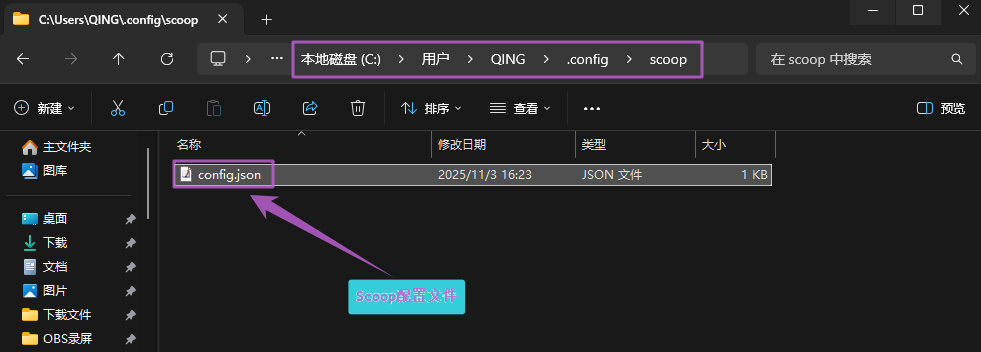
如要 重新安装 scoop, 最好先将 C:\Users\<YOUR USERNAME>\.config\scoop 下的配置文件删除.
💿 一键安装
Powershell终端 [非管理员] 中输入如下指令进行一键安装, 这种安装方式特别简单但是会把 scoop 安装到默认位置C:\Users\<YOUR USERNAME>\scoop
bash
Set-ExecutionPolicy -ExecutionPolicy RemoteSigned -Scope CurrentUser
Invoke-RestMethod -Uri https://get.scoop.sh | Invoke-Expression🪁 高级安装
下载这个文件 "install.ps1"
更改 PowerShell 执行策略, 必须是 RemoteSigned、Unrestricted 或 ByPass 才能运行安装程序. 例如,可以通过以下方式设置为 RemoteSigned:
bash
Set-ExecutionPolicy -ExecutionPolicy RemoteSigned -Scope CurrentUser- 手动带参数执行安装
bash
irm get.scoop.sh -outfile 'install.ps1本地路径'

例如,您可以将 scoop 安装到自定义目录, 配置 scoop 将全局程序安装到自定义目录, 并在安装过程中绕过系统代理:
.\install.ps1 -ScoopDir 'D:\RuanJian\Scoop' -ScoopGlobalDir 'D:\RuanJian\Scoop\GlobalScoopApps' -NoProxy🔍 配置代理
国内使用scoop并不容易(经常会报错)
bash
配置命令: scoop config -h
配置代理项: scoop config proxy 127.0.0.1:10808
查看proxy配置: scoop config proxy📬 Scoop常用命令
bash
cleanup    Cleanup apps by removing old versions -- 通过删除旧版本来清理应用程序
config     Get or set configuration values -- 获取或设置配置值
help       Show help for a command -- 显示命令的帮助信息
hold       Hold an app to disable updates -- 按住应用不更新
info       Display information about an app -- 显示应用信息
install    Install apps -- 安装应用程序
list       List installed apps -- 列表已安装的应用
prefix     Returns the path to the specified app -- 返回指定应用的路径
reset      Reset an app to resolve conflicts -- 重置一个应用来解决冲突
status     Show status and check for new app versions  -- 显示状态并检查新应用版本
unhold     Unhold an app to enable updates -- 取消应用程序以启用更新
uninstall  Uninstall an app -- 卸载应用程序
update     Update apps, or Scoop itself -- 更新应用程序,或者是Scoop本身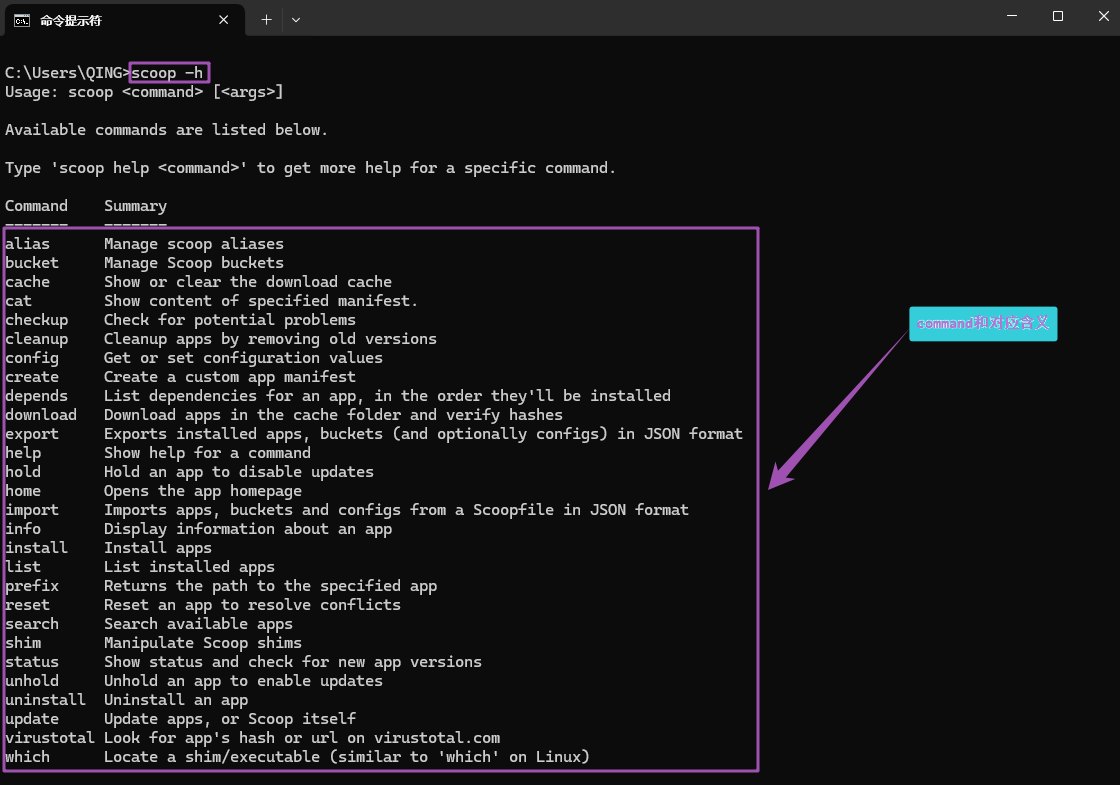
🔜 导出安装应用
bash
scoop export > scoopfile.json🔙 导入安装应用
bash
scoop import <path/url to scoopfile.json>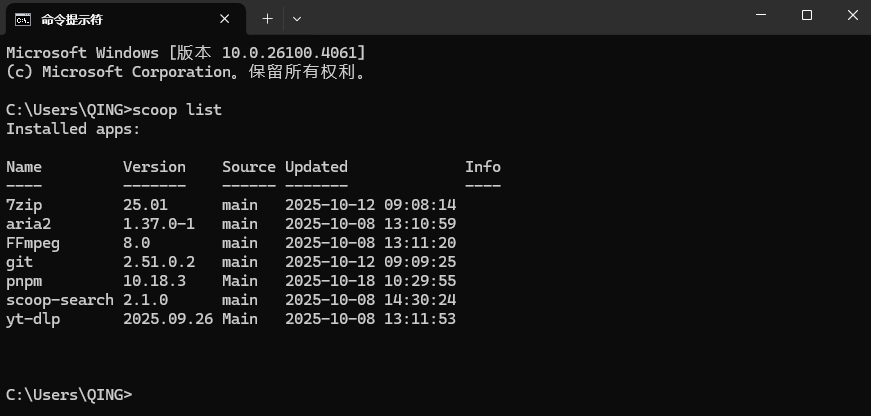
注意!
要是电脑上有安装过 aria2 之类的工具, 安装目录改变之后 aria2 的配置文件里也要更改不然会报错!!!